
Skincare
How to Contact eBay Customer Service: On a Computer or Phone
Jun
Trying to contact eBay customer service can feel a little like searching for a missing package that was last seen “somewhere near Ohio.” The good news: eBay does offer help for buyers, sellers, account problems, returns, refunds, suspicious activity, and technical issues. The slightly less glamorous news: eBay usually wants you to start inside its Help system rather than dialing a random phone number found in a search result, forum thread, or dusty corner of the internet.
This guide explains how to contact eBay customer service on a computer or phone, how to request live help, when to use chat, when to request a callback, what to prepare before contacting support, and how to avoid fake “eBay support” scams. Whether your item never arrived, your account looks strange, a seller disappeared faster than a limited-edition sneaker drop, or you need seller support, here is the practical path.
Before You Contact eBay: Know What Kind of Help You Need
eBay customer service works best when you choose the correct issue category. Instead of asking, “How do I reach a person?” start with the actual problem: missing order, return, refund, account restriction, hacked account, fee question, shipping problem, seller defect, or suspicious message.
Why does this matter? eBay routes customer service requests by topic. A refund case goes to a different support flow than a hacked account. A seller performance issue may lead to Seller Help. A buyer return may lead to the order details page. Picking the right path saves time and reduces the chance of being bounced around like a package with a smudged label.
Common Reasons to Contact eBay Customer Service
- An item has not arrived after the estimated delivery date.
- The item arrived damaged, defective, counterfeit, incomplete, or not as described.
- You opened a return request and the seller has not responded.
- You need eBay to step in after trying to resolve an issue with the seller.
- Your account may be hacked or compromised.
- Your account was restricted, suspended, or placed on hold.
- You are a seller dealing with returns, feedback, defects, late shipments, refunds, or policy notifications.
- You received a suspicious email, call, text, or gift card request claiming to be from eBay.
How to Contact eBay Customer Service on a Computer
The most reliable way to contact eBay customer service from a computer is through the official eBay Help & Contact area. This keeps you inside your account, connects your request to your recent orders or seller activity, and helps eBay show the most relevant contact options.
Step 1: Sign In to Your eBay Account
Start by signing in to your eBay account. This is important because eBay can show personalized help, including your recent orders, open returns, seller requests, account notices, and messages. If you are not signed in, you may still see general help articles, but your contact options may be limited.
Step 2: Go to Help & Contact
On a desktop browser, look for Help & Contact near the top of most eBay pages. You can also search for the specific issue inside eBay Help, such as “item not received,” “return item,” “account hacked,” “seller fees,” or “contact eBay.”
Step 3: Choose the Correct Topic
eBay will usually ask you to choose a topic such as Buying, Selling, Account, Returns and refunds, Shipping and tracking, or Fees and billing. Choose the topic closest to your problem. Do not pick “Account” if your real issue is a return. Do not pick “Buying” if you are trying to remove a seller defect. The better the category, the better the route.
Step 4: Use the Help Article First, Then Select Contact Options
eBay often shows help articles before contact choices. That can be annoying when you want a human, but it is not useless. Many order issues can be resolved faster from the order page than through a general support conversation. For example, an item-not-received issue is usually handled from the purchase details page, while a seller return issue may be handled through Seller Help.
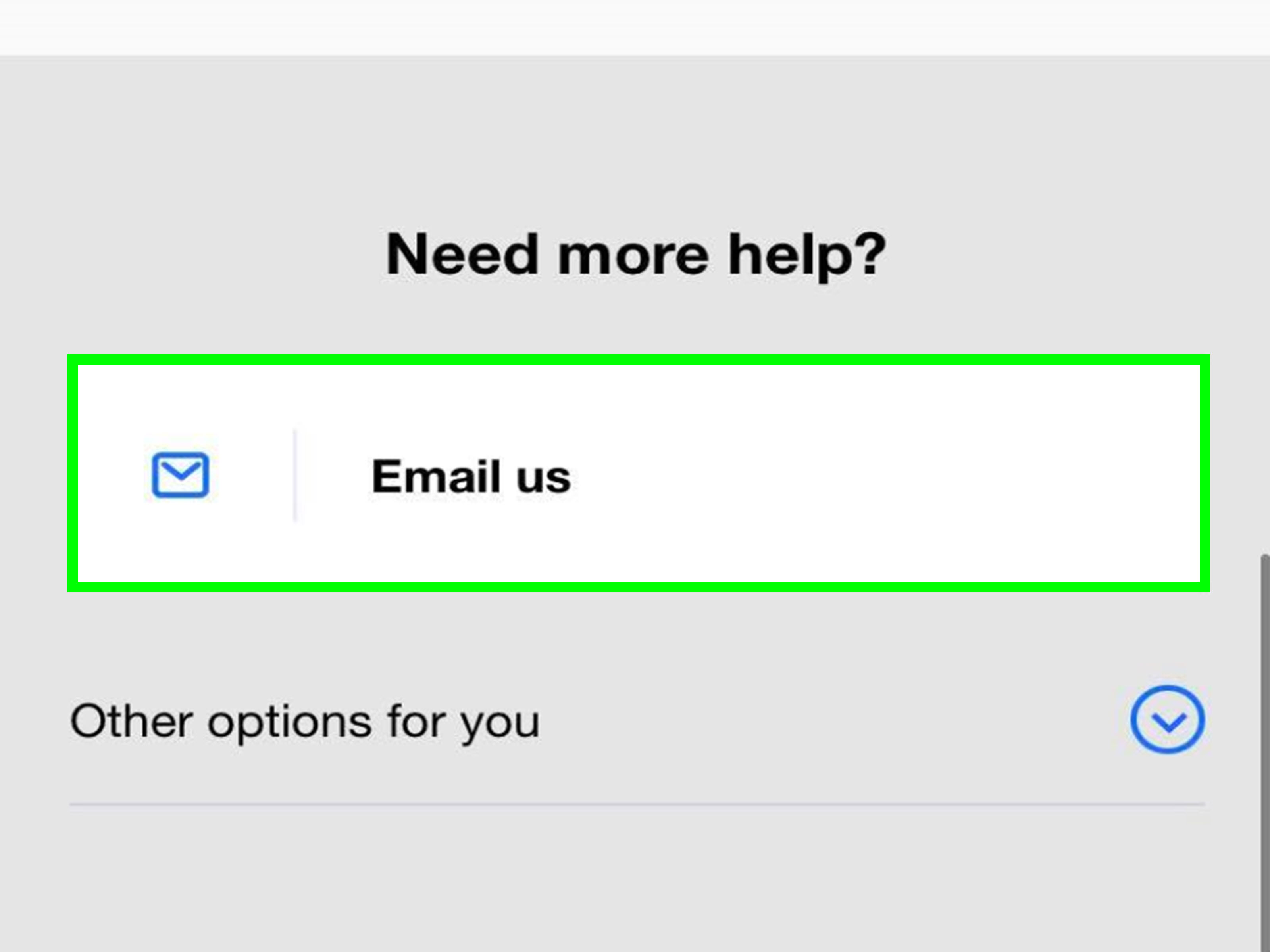
After reviewing the suggested help, look for options such as Contact us, Chat with us, Have us call you, or a similar support button. The exact wording and availability can change depending on the issue, your location, your account status, and support hours.
Step 5: Start Chat or Request a Callback
If chat is available, start there. eBay’s automated assistant may first ask a few questions. Be specific. Instead of typing “help,” type “I need help with a return because the seller has not provided a label,” or “My item has not arrived and tracking has not updated.” Clear language helps the system route you faster.
If phone help is available, eBay may offer a callback option. That means eBay calls you, rather than you dialing a general number. This is often safer than trusting a customer service number from a search ad, social media comment, or random forum post. In the world of online scams, random phone numbers are like gas station sushi: technically possible, emotionally risky.
How to Contact eBay Customer Service on a Phone
You can contact eBay customer service from a smartphone using either a mobile browser or the eBay app. The app is often easier because it already knows your account, purchases, messages, returns, and selling activity.
Using the eBay App
- Open the eBay app and sign in.
- Tap My eBay or the menu icon.
- Look for Help or Help & Contact.
- Select the topic that matches your issue.
- Choose the order, return, listing, or account problem when prompted.
- Use the available contact option, such as automated assistant, live chat, or callback.
If the app feels cramped, switch to your phone’s browser and use the full eBay Help & Contact page. Sometimes a desktop-style page is easier when you need to read policy details, upload information, or review a case history.
Using a Mobile Browser
Open your browser, go to eBay, sign in, and select Help & Contact. From there, the process is similar to desktop: search for your issue, choose the correct category, review the suggested help, and select the contact option eBay provides.
For urgent account security problems, use the official eBay account security help pages. If you suspect your account was hacked, change your eBay password and your email password, check recent activity, review payment details, and follow eBay’s hacked-account instructions. Do not use a phone number sent in a suspicious email or text message.
Can You Call eBay Customer Service Directly?
This is the question everyone asks, usually after arguing with a chatbot for ten minutes and questioning every life choice that led to this moment. The practical answer: eBay generally steers customers through its official Help system, where phone support may appear as a callback option depending on the issue.
Be careful with direct phone numbers found in search results. Some old numbers may be outdated, may route you back to eBay’s online system, or may not be appropriate for your specific issue. Worse, scammers sometimes create fake customer service numbers that appear in ads, search results, social media posts, or copied-and-pasted “support directories.” The safest path is to sign in to eBay and request contact from inside the official Help flow.
When to Contact the Seller Instead of eBay
For many buying problems, eBay expects you to contact the seller first. This is especially true for missing items, damaged items, wrong items, or returns. The seller may be able to provide tracking, send a replacement, approve a return, issue a refund, or explain a delay.
How to Contact a Seller
- Go to Purchase History.
- Find the item.
- Select an option such as Contact seller, Return this item, or I didn’t receive it.
- Explain the problem clearly and include dates, photos, or tracking details if relevant.
Keep your messages polite and factual. “The vase arrived broken; I attached photos of the box and item” works better than “Your packaging was designed by raccoons.” Even if the raccoon theory feels emotionally accurate, facts win cases.
When to Ask eBay to Step In
If you tried to work with the seller and the issue is not resolved, you may be able to ask eBay to step in. For many buyer issues, eBay may allow this after more than three business days have passed since you opened a return request or reported that an item did not arrive.
For returns, eBay may step in when the seller has not responded, has not provided a resolution, has not supplied a return label when required, or has not issued a refund by the deadline after receiving the returned item. When eBay steps in, it reviews the case details and makes a decision based on the evidence, policy, tracking information, messages, and timing.
How to Ask eBay to Step In for a Return
- Go to Purchase History.
- Find the item involved in the return.
- Select See return details.
- Choose Ask eBay to step in and help.
- Select the reason and confirm your request.
Do not wait too long. If a return request sits with no activity, it may close automatically. Keep an eye on deadlines, especially if you are waiting for the seller to respond or waiting for a refund after delivery of the returned item.
How Sellers Can Contact eBay for Help
Sellers have their own customer service pathways. If you sell on eBay, start with Seller Help for problems involving returns, refunds, feedback, defects, late shipment issues, and some performance-related requests. Seller Help is designed to handle common seller tasks without making you explain your entire business history to a support agent.
For example, a seller may use Seller Help to request feedback removal, defect removal, or late shipment review when eligible. Sellers can also manage return cases, respond to item-not-received claims, issue refunds, and review policy notifications through the relevant seller tools.
Seller Support Tips
- Have the order number ready.
- Save tracking numbers and carrier scans.
- Keep buyer communication inside eBay Messages.
- Respond to cases before deadlines.
- Use Seller Help before opening a general support request.
For sellers, documentation is everything. A polite message, a tracking scan, and a clear return policy can do more than an emotional paragraph written at midnight after your third coffee.
What to Prepare Before Contacting eBay Customer Service
Before starting chat or requesting a callback, gather your information. This makes the support conversation faster and prevents the classic “one moment while I look that up” spiral.
For Buyers
- Order number or item number
- Seller username
- Tracking number
- Estimated delivery date
- Photos of damage, wrong item, or packaging
- Copies of messages with the seller
- Dates when you opened a request or return
For Sellers
- Order number
- Listing title and item number
- Tracking information
- Return request details
- Buyer messages
- Photos, serial numbers, or authenticity details when relevant
- Any notice from eBay about restrictions, defects, or policy issues
How to Avoid Fake eBay Customer Service Scams
Scammers love customer service confusion. When people are frustrated, they search quickly, click quickly, and sometimes call the first number that looks official. That is exactly what fake support operations want.
Use these safety rules:
- Contact eBay from inside your signed-in account whenever possible.
- Do not trust customer service numbers from random ads, social posts, or unofficial directories.
- Never pay “eBay support” with gift cards, cryptocurrency, wire transfer, or payment apps.
- Never share your password, two-factor authentication code, full card number, or gift card redemption code with someone who contacts you unexpectedly.
- Forward suspicious eBay-related emails to eBay’s spoof reporting address if instructed by eBay’s security guidance.
- If you think your account is compromised, change both your eBay password and your email password.
Real customer service does not need gift cards to “verify” your account. Gift cards are for birthdays, awkward office parties, and people who say “I’m easy to shop for” but absolutely are not. They are not a customer support payment method.
Best Phrases to Use in eBay Chat
When using eBay’s automated assistant or chat support, short and specific phrases work best. Try these:
- “My item has not arrived and tracking has not updated.”
- “The seller has not responded to my return request.”
- “I returned the item and the seller has not refunded me.”
- “I think my account was hacked.”
- “I need help with an account restriction.”
- “I am a seller and need help with a return defect.”
- “I want to request a callback about this order.”
Avoid writing long emotional essays in the first message. You can provide details later. First, help the system identify the right support path.
What If eBay Customer Service Does Not Solve the Problem?
If your first contact does not solve the issue, do not panic. Review the case details, check deadlines, and make sure you used the correct path. If you are a buyer, the order details page may show the next step. If you are a seller, Seller Help may show available actions. If the problem involves suspicious activity, account access, or fraud, use eBay’s security and hacked-account guidance.
When following up, summarize the issue in three parts: what happened, what you already tried, and what result you want. For example: “The item arrived damaged. I opened a return on June 10. The seller has not provided a return label. I would like eBay to step in and help.” That is clear, calm, and hard to misunderstand.
Final Takeaway
The best way to contact eBay customer service is through the official Help & Contact system on a computer or phone. Sign in, choose the correct issue, follow the guided help path, and use chat or callback when available. Buyers should usually start from Purchase History. Sellers should use Seller Help for return, refund, feedback, defect, and shipment problems. For account security issues, use eBay’s official account protection guidance immediately.
The golden rule is simple: do not chase random phone numbers. Start inside eBay. Your future self, your wallet, and your blood pressure will all appreciate it.
Real-World Experience: What Contacting eBay Support Usually Feels Like
In real life, contacting eBay customer service is rarely dramatic, but it does reward patience and preparation. The users who usually get the smoothest results are the ones who arrive with order numbers, dates, screenshots, tracking information, and a clear explanation. The users who struggle most often start with a vague complaint like “eBay stole my money” or “seller bad,” which may be emotionally honest but does not give support much to work with.
Imagine a buyer named Karennot “internet Karen,” just regular Karenorders a vintage camera lens. The tracking says delivered, but the package is nowhere to be found. Her first instinct is to contact eBay immediately. A better first step is to check the shipping address, look around the delivery area, ask household members, and contact the seller through the order page. If the seller provides tracking but the package is still missing, Karen can open an item-not-received request. If the seller does not resolve it after the required waiting period, then she can ask eBay to step in. That process may feel slower than yelling into the sky, but it creates a documented trail.
Now picture a seller named Mike. He sells refurbished electronics and gets a return request claiming an item is defective. Mike is annoyed because the item was tested before shipping. Instead of firing off a spicy message, he responds through eBay, asks for details, checks the serial number, reviews the return reason, and follows the return workflow. If the buyer returns a different item or the item comes back in a different condition, Mike has documentation ready. When contacting eBay, he can explain the facts clearly rather than sounding like a man arguing with a toaster.
The biggest lesson from using marketplace support is that the system cares about evidence. Dates matter. Tracking scans matter. Photos matter. Messages inside eBay matter. Phone conversations may help, but written records are often easier to review later. Whenever possible, keep communication on the platform. If someone asks you to move the conversation to text message, email, or another payment method, treat that as a red flag wearing a tiny marching-band uniform.
Another practical experience: the available contact option can vary. One user may see chat. Another may see a callback. Another may only see guided help until they choose a more specific topic. That does not always mean support is unavailable; it may mean the system needs a clearer issue category. If you cannot find a live option, back up, choose the exact transaction or account problem, and try a more specific help article.
Finally, the safest habit is to contact eBay from your account, not from a phone number found elsewhere. Search engines are helpful, but they are not perfect bodyguards. Fake customer service numbers can look official, especially when scammers buy ads or copy brand names. When money, account access, or gift cards are involved, slow down. Open eBay directly, sign in, and use the official help path. It may take a few extra clicks, but those clicks are cheaper than calling a scammer who answers the phone with suspicious enthusiasm.

